The General Settings tab defines the assistant’s identity, tone, and foundational instructions.
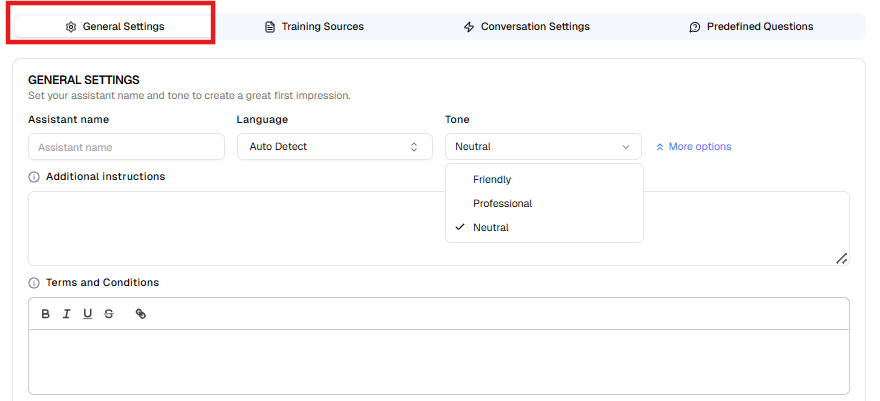
1.1 Assistant Name #
Specify the name of your AI Assistant.
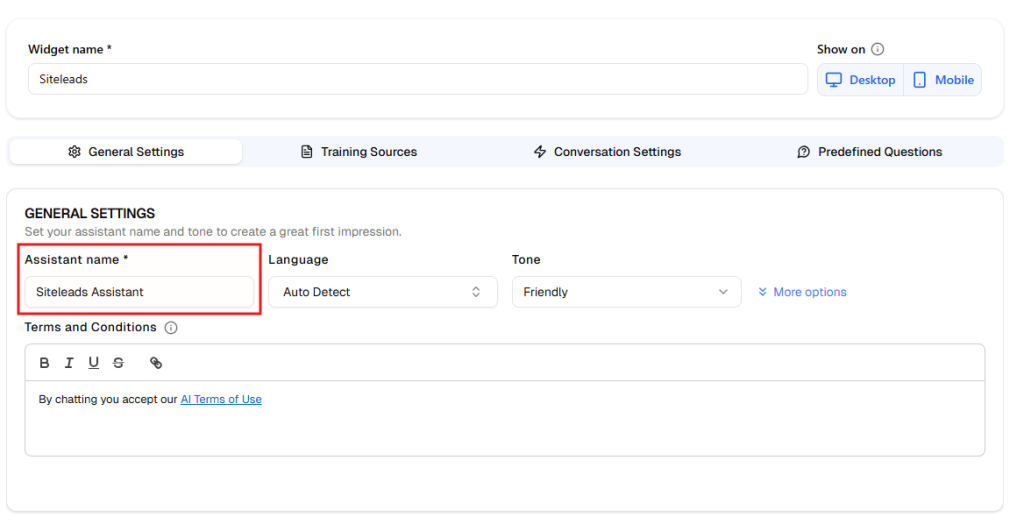
The assistant name will be used internally to identify the AI assistant across leads, the dashboard, and other assistant-related sections.
Examples:
- Support Assistant
- Help Desk Bot
Tip: If you want to change the visible content of the chat window header, this can be done in Channels-> AI Assistant channel -> Chat header
1.2 Language #
Select the primary language used by the AI Assistant.
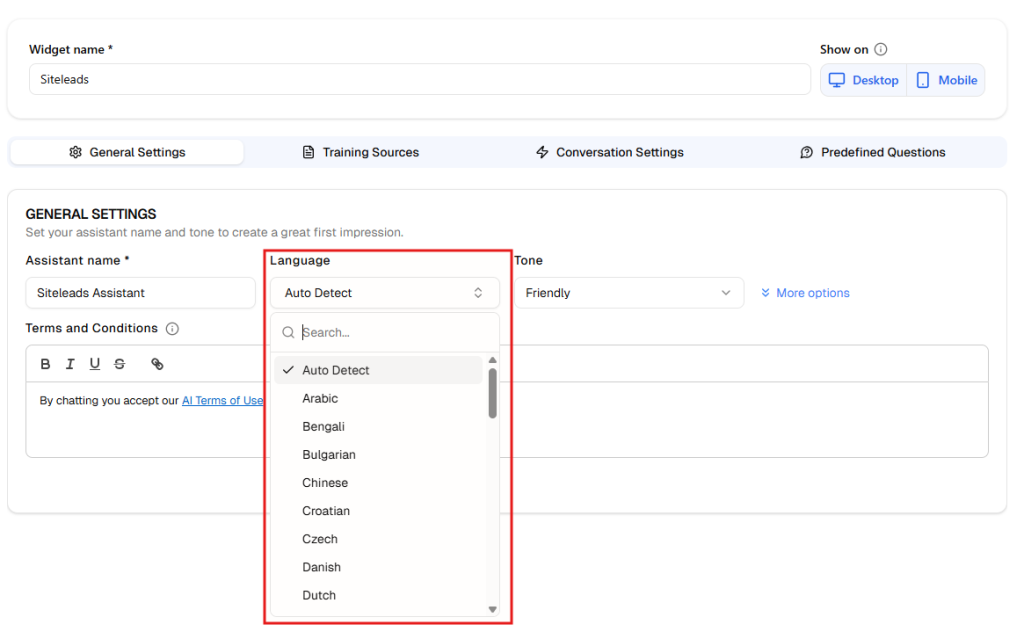
Available options:
- Auto Detect
- Manual language selection
If your audience speaks a single language, selecting it manually ensures more consistent responses.
1.3 Tone #
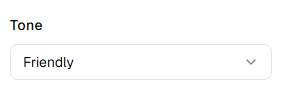
Define the communication style of the AI Assistant.
Common tone options include:
- Friendly
- Professional
- Neutral
The selected tone influences greeting style, phrasing, and overall conversational personality.
1.4 Additional Instructions #

Use this field to provide custom behavioral guidance to the AI Assistant.
You may define:
- Brand voice rules
- Escalation instructions
- Restricted topics
- Sales priorities
- Compliance limitations
Example instructions:
- “Encourage users to book a demo when discussing pricing.”
- “Escalate billing issues to human support.”
- ”Your primary goal is to encourage visitors to book a consultation.”
- ”If a user asks about pricing, mention that we currently have a ‘New Customer’ special. Tell them they can unlock a 10% discount by leaving their contact.”
These instructions refine how the AI generates responses.
1.5 Terms and Conditions #

Configure the disclaimer text displayed in the chat interface.
This section typically includes:
- Terms of use acknowledgment
- Privacy policy notice
- Legal disclaimers
Example:
“By chatting, you agree to our AI Terms of Use.”
The editor allows text formatting and hyperlinks.